12 February 2022

I updated my AZ-400 repository

I have a repository with auxiliary resources from AZ-400 - Training - Microsoft Azure DevOps Solutions so that my trainees are well prepared to use Azure DevOps.

 I updated and reformulated the information, links, e-books and others. 

The repository is available here: https://github.com/rramoscabral/AZ-400---Training---Microsoft-Azure-DevOps-Solutions

24 December 2021

Happy Holidays

A Gregorian year is almost over.

Christian Orthodox Christmas Day is already tomorrow, Julian on January 7th and I regret not remembering other cultures/religions.


We've all had good times and bad times and it's important to remember the good times..


I wish everyone a Merry Christmas and a Happy New Year.


8 December 2021

Beta codes for Exam AZ-800 (beta) and Exam AZ-801 (beta)

 Exam AZ-800: Administering Windows Server Hybrid Core Infrastructure (beta) and Exam AZ-801: Configuring Windows Server Hybrid Advanced Services (beta) is now available.


 You can take the exam with 80% discount before January 10, 2022.


Exam

Discount code 

Exam AZ-800: Administering Windows Server Hybrid Core Infrastructure (beta)

AZ800WOOSTER

Exam AZ-801: Configuring Windows Server Hybrid Advanced Services (beta)

AZ801HILLSDALE


Booth exams will give you Microsoft Certified: Windows Server Hybrid Administrator Associate.


AZ-800 Study Guide: Administering Windows Server Hybrid Core Infrastructure from Microsoft Tech community


1. Deploy and Manage AD DS in On-premises and Cloud Environments (30-35%)

Relevant MS Learn modules


1.1 Deploy and manage AD DS domain controllers   


Deploy and manage domain controllers on-premises

Deploy and manage domain controllers in Azure

Deploy RODCs  

Troubleshoot FSMO roles 


1.2 Configure and manage multi-site, multi-domain, and multi-forest environments

Configure and manage forest and domain trusts

Configure and manage AD DS sites    

Configure and manage AD DS replication


1.3 Create and manage AD DS security principals

Create and manage AD DS users and groups  

Manage users and groups in multi-domain and multi-forest scenarios

Implement group managed service accounts (gMSAs)

Join Windows Servers to AD DS, Azure AD DS, and Azure AD


1.4 Implement and Manage Hybrid Identities 

Implement Azure AD Connect   

Manage Azure AD Connect Synchronization

Implement Azure AD Connect cloud sync  

Integrate Azure AD, AD DS and Azure AD Domain Services

Manage Azure AD Domain Services   

Manage Azure AD Connect Health

Manage authentication in on-premises and hybrid environments

Configure and manage AD DS passwords  


1.5 Manage Windows Server by using domain-based Group Policies

Implement Group Policy in AD DS 

Implement Group Policy Preferences in AD DS   

Implement Group Policy in Azure AD DS


2. Manage Windows Servers and Workloads in a Hybrid Environment (10-15%)   

Relevant MS Learn modules:

2.1 Manage Windows Servers in a Hybrid environment

Deploy a WAC Gateway Server  

Configure a target machine for WAC 

Configure PowerShell Remoting

Configure CredSSP or Kerberos Delegation for 2nd Hop Remoting

Configure JEA for PowerShell Remoting


2.2 Manage Windows Servers and workloads by using Azure services 

Manage Windows Servers by using Azure Arc

Assign Azure Policy Guest Configuration

Deploy Azure services using Azure VM extensions on non-Azure machines

https://docs.microsoft.com/azure/azure-arc/servers/learn/tutorial-enable-vm-insights

Manage Updates for Windows machines

https://docs.microsoft.com/azure/automation/update-management/overview

Integrate Windows Servers with Log Analytics    

https://docs.microsoft.com/azure/azure-monitor/agents/log-analytics-agent#network-requirements

Integrate Windows Servers with Azure Security Center

https://docs.microsoft.com/azure/architecture/hybrid/hybrid-security-monitoring

Manage IaaS VMs in Azure that run Windows Server

https://docs.microsoft.com/azure/virtual-machines/maintenance-and-updates

Implement Azure Automation for hybrid workloads

https://docs.microsoft.com/azure/architecture/hybrid/azure-automation-hybrid

Create runbooks to automate tasks on target VMs

https://docs.microsoft.com/azure/automation/automation-runbook-execution

Implement DSC to prevent configuration drift in IaaS machines

https://docs.microsoft.com/azure/virtual-machines/extensions/dsc-overview

https://docs.microsoft.com/azure/virtual-machines/extensions/dsc-windows

https://docs.microsoft.com/azure/virtual-machines/extensions/features-windows


3. Manage Virtual Machines and Containers (15-20%)

Relevant MS Learn modules


3.1 Manage Hyper-V and guest virtual machines 

Enable VM Enhanced Session Mode  

Manage VM using PowerShell Remoting, PowerShell Direct and HVC.exe

Configure nested virtualization 

Configure VM Memory 

Configure Integration Services   

Configure Discrete Device Assignment   

Configure VM Resource Groups

Configure VM CPU Groups    

Configure hypervisor scheduling types   

Manage VM Checkpoints  

Implementing high availability for virtual machines

Manage VHD and VHDX files 

Configure Hyper V Network Adapter

Configure NIC Teaming 

Configure Hyper-V Switch 


3.2 Create and manage containers  

Create Windows Server Container Images

Manage Windows Server Container Images

Configure Container Networking

Manage container instances


3.3 Manage Azure Virtual Machines that run Windows Server

Manage Data Disks

Resize Azure VM

Configure Continuous delivery for an Azure VM

Configure connections to VMs

Manage Azure VM network configuration


4. Implement and Manage an On-premises and Hybrid Networking Infrastructure (15-20%)

Relevant MS Learn modules


4.1 Implement on-premises and hybrid name resolution 

Integrate DNS with AD DS

Create and Manage zones and records

Configure DNS forwarding/conditional forwarding

Integrate Windows Server DNS with Azure DNS private zones

Implement DNSSEC


4.2 Manage IP addressing in on-premises and hybrid scenarios 

Implement and manage IPAM   

Implement and configure the DHCP server role (on-premises only)

Resolve IP address issues in hybrid environments

Create and manage scopes   

Create and manage IP reservations   

Implement DHCP High Availability


4.3 Implement on-premises and hybrid network connectivity  

Implement and manage the Remote Access role

Implement and manage Azure Network Adapter

Implement and manage Azure Extended Network


Implement and manage Network Policy Server role

Implement Web Application Proxy

Implement Azure Relay

Implement Site to Site VPN

Implement Azure Virtual WAN

Implement Azure AD Application Proxy


5. Manage Storage and File Services (15-20%)

Relevant MS Learn modules


5.1 Configure and manage Azure File Sync   

Create Azure File Sync Service   

Create Sync Groups  

Create Cloud Endpoints

Register servers

Create Server Endpoints   

Configure Cloud Tiering

Monitor File Sync 

Migrate DFS to Azure File Sync  


5.2 Configure and Manage Windows Server File Shares

Configure Windows Server file share access   

Configuring File Screens

Configure FSRM quotas

Configure BranchCache

Implement and configure Distributed File System (DFS)


5.3 Configure Windows Server Storage 

Configure disks and volumes

Configure and manage Storage Spaces

Configure  and manage Storage Replica 

Configure Data Deduplication

Configure SMB direct

Configure Storage QoS  

Configure File systems


2 March 2021

Microsoft Ignite 2021

Today the expected Microsoft Ignite 2021 begins.

Watch the Microsoft Ignite 101 video and discover everything you need to know to get the most out of your Microsoft Ignite experience.


More resources about Microsoft Ignite 2021:
Keynote Session: Join Satya Nadella and Alex Kipman in a whole new kind of Keynote in Altspace VR.
Featured Sessions: Hear from Microsoft leaders on announcements and news.
Table Talks: Connect with community leaders on topics that are important to you.
Ask the Experts: Dive into your questions in a session with Microsoft experts.
Intro to Tech Skills: Are you new to the tech industry? Make sure you check out the full lineup of Intro to Tech Skills content.
Learn Live: Guided workshops to the most popular Microsoft Learn modules.
One-on-one consultation: Do you need expert advice on your current project, or do you have questions on a specific topic? Schedule your 45-minute consultation with an expert today.
Microsoft Virtual Training Days: Continue your learning journey with Microsoft Virtual Training Days that provide free, instructor-led, technical skilling in multiple languages and time zones across a variety of topics.
Product Roundtable: Microsoft needs your help to shape the future of products and solutions. Join a product roundtable to give your feedback and let your voice be heard.
Join Mitra Azizirad, CVP of AI & Innovation Marketing, to learn how Microsoft approaches innovation in her Envisioning Tomorrow keynote, 11:00 AM and 8:30 PM PT, March 2.

1 October 2020

No time limit on meetings for free version of Microsoft Teams


Do you use free version of Microsoft Teams?

The feature most requested by free users is now available to all Microsoft Teams users and there is no time limit on meetings in the free version of Microsoft Teams.


You don't know how to started with free meetings in Microsoft Teams? 

  • Follow the following guide here.

21 September 2020

Get a free Microsoft certification exam by participating in Ignite 2020

It is no the first time that Microsoft has offered a Microsoft certification exam at online events. 


With Microsoft Ignite 2020 Microsoft will offer a certification exam with Microsoft Ignite Cloud Skills Challenge to all participants who complete a collection on the challenges to be defined.


The page about Ignite Cloud Skills Challenge 2020 contains information about the exams you can take and the terms and conditions here: https://docs.microsoft.com/en-us/learn/certifications/microsoft-ignite-cloud-skills-challenge-2020-free-certification- exam.


If you want to participate in Microsoft Ignite Cloud Skills Challenge use the following link: https://csc.docs.microsoft.com/ignite/registration.


NOTE: Registration will be available on September 22, 2020 at 12:00 Pacific Daylight Time (PDT).

1 May 2020

Microsoft Build digital experience May 19-20.


Due to the global epidemic, Microsoft Build (For developers by developers) will be 100% virtual.


Registration is FREE and is open here: https://mybuild.microsoft.com/


It will be 48 hours non-stop during May 19-20, 2020.


Take the opportunity to see live sessions with Microsoft engineers and Q&A.


”Instead of you coming to me, we’ll come to you.”, Scott Hanselman

28 February 2020

The end of Microsoft MCSA, MCSD and MCSE certifications

As of June 30, 2020, the following Microsoft certifications will retire:
  • MCSA: BI Reporting
  • MCSA: Dynamics 365 for Operations
  • MCSA: SQL 2016 BI Development
  • MCSA: SQL 2016 Database Admin
  • MCSA: SQL 2016 Database Dev
  • MCSA: SQL Server 2012/2014
  • MCSA: Universal Windows Platform
  • MCSA: Web Applications
  • MCSA: Windows Server 2012
  • MCSA: Windows Server 2016
  • MCSD: App Builder
  • MCSE: Business Applications
  • MCSE: Core Infrastructure
  • MCSE: Data Management & Analytics
  • MCSE: Productivity

Microsoft Learning is encouraging certification in existing functions roles in the market, such as Microsoft Azure (cloud), Modern Desktop.

The following image shows the recommended role-based certifications:


The following image represents the alternatives for those working with the Microsoft data platform (SQL Server, Power BI, ...) For example Database Administrator, Data Analyst..


For those who are waiting for the new dedicated Windows Server 2019 and/or SQL Server 2019 certifications, Microsoft Learning has made the following statement:
  • No, there will be no Windows Server 2019 and SQL Server 2019 certifications. Windows Server 2019 and SQL Server 2019 content will be included in role-based certifications, as needed for certain work roles in the Azure and Data infrastructure and application areas and IA.

So what will happen to the MCSA, MCSD, and MCSE certifications that we have?
  • These will remain in the certification transcript.

Is it still possible to do some of these certifications?
  • Yes, until June 30, 2020 you can do any certification that is on the list above. After this date it will not be possible.

What about Microsoft Office Specialist (MOS) certifications?
  • To date, there is no information that MOS certifications will be affected or retire.

What about Microsoft Technology Associate (MTA?
  • To date, there is no information that MTA certifications will be affected or retire.

Is there an official communicative from Microsoft Learning?
  • Yes, you can consult here.

Please note that the following exams will be withdrawn from 30 June 2020:
  • 70-333: Deploying Enterprise Voice with Skype for Business 2015
  • 70-334: Core Solutions for Microsoft Skype for Business 2015
  • 70-339: Managing Microsoft SharePoint Server 2016
  • 70-345: Designing and Deploying Microsoft Exchange Server 2016
  • 70-457: Developing Mobile Apps
  • 70-410: Installing and Configuring Windows Server 2012
  • 70-411: Administering Windows Server 2012
  • 70-412: Configuring Advanced Windows Server 2012 Services
  • 70-413: Designing and Implementing a Server Infrastructure
  • 70-414: Implementing an Advanced Server Infrastructure
  • 70-417: Upgrading Your Skills to MCSA Windows Server 2012
  • 70-461: Querying Microsoft SQL Server 2012/2014
  • 70-462: Administering Microsoft SQL Server 2012/2014 Databases
  • 70-463: Implementing a Data Warehouse with Microsoft SQL Server 2012/2014
  • 70-464: Developing Microsoft SQL Server 2012/2014 Databases
  • 70-465: Designing Database Solutions for Microsoft SQL Server
  • 70-466: Implementing Data Models and Reports with Microsoft SQL Server
  • 70-467: Designing Business Intelligence Solutions with Microsoft SQL Server
  • 70-480: Programming in HTML5 with JavaScript and CSS3
  • 70-483: Programming in C#
  • 70-486: Developing ASP.NET MVC Web Applications
  • 70-487: Developing Microsoft Azure and Web Services
  • 70-537: Configuring and Operating a Hybrid Cloud with Microsoft Azure Stack
  • 70-705: Designing and Providing Microsoft Licensing Solutions to Large Organizations
  • 70-740: Installation, Storage, and Compute with Windows Server 2016
  • 70-741: Networking with Windows Server 2016
  • 70-742: Identity with Windows Server 2016
  • 70-743: Upgrading Your skills to MCSA: Windows Server 2016
  • 70-744: Securing Windows Server 2016
  • 70-745: Implementing a Software-Defined Datacenter
  • 70-761: Querying Data with Transact-SQL
  • 70-762: Developing SQL Databases
  • 70-764: Administering a SQL Database Infrastructure
  • 70-765: Provisioning SQL Databases
  • 70-767: Implementing a Data Warehouse using SQL
  • 70-768: Developing SQL Data Models
  • 70-777: Implementing Microsoft Azure Cosmos DB Solutions
  • 70-778: Analyzing and Visualizing Data with Microsoft Power BI
  • 70-779: Analyzing and Visualizing Data with Microsoft Excel
  • MB2-716: Microsoft Dynamics 365 Customization and Configuration
  • MB6-894: Development, Extensions and Deployment for Microsoft Dynamics 365 Finance
  • MB6-897: Microsoft Dynamics 365 for Retail
  • MB6-898: Microsoft Dynamics 365 Human Resources

14 February 2020

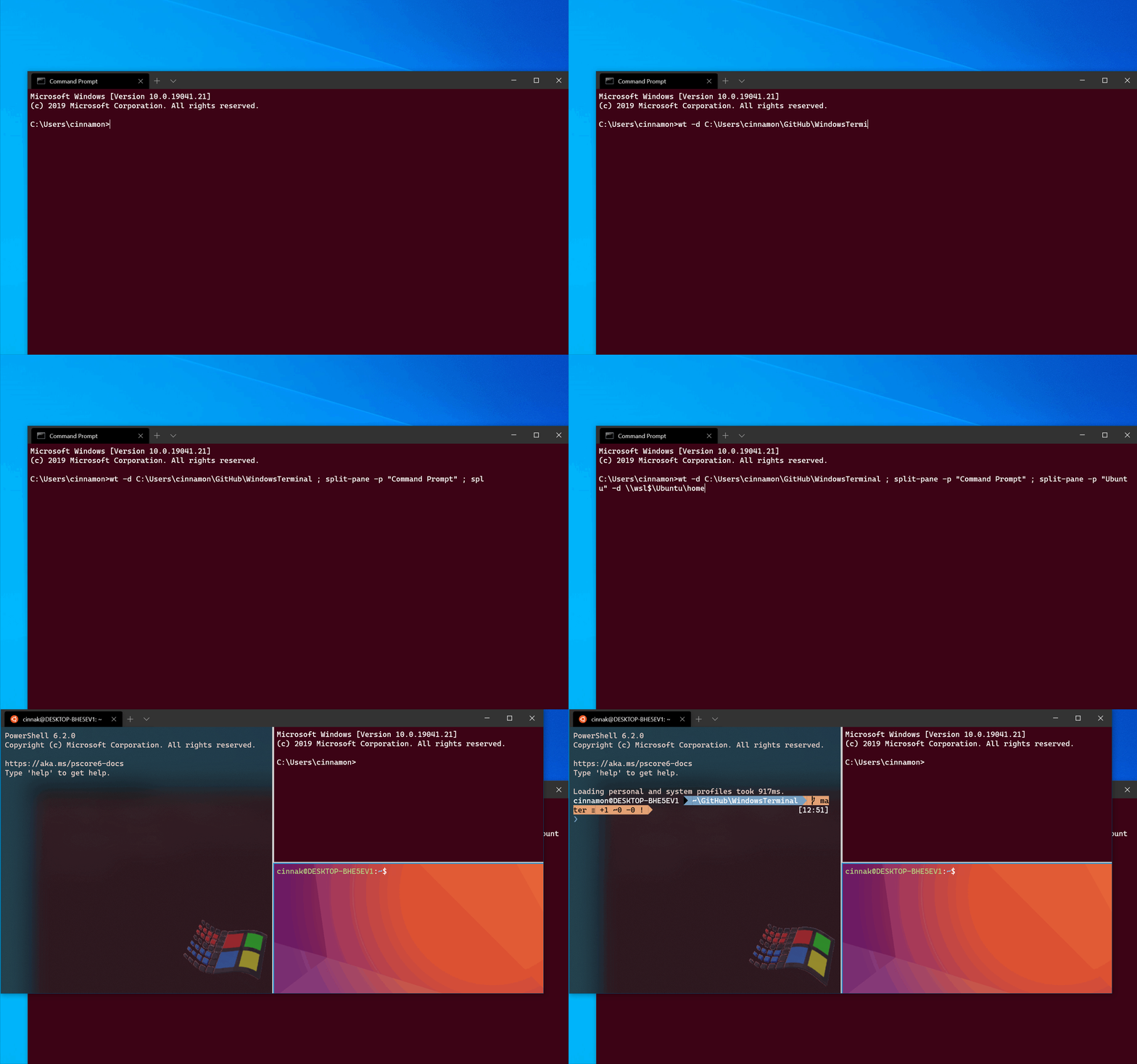
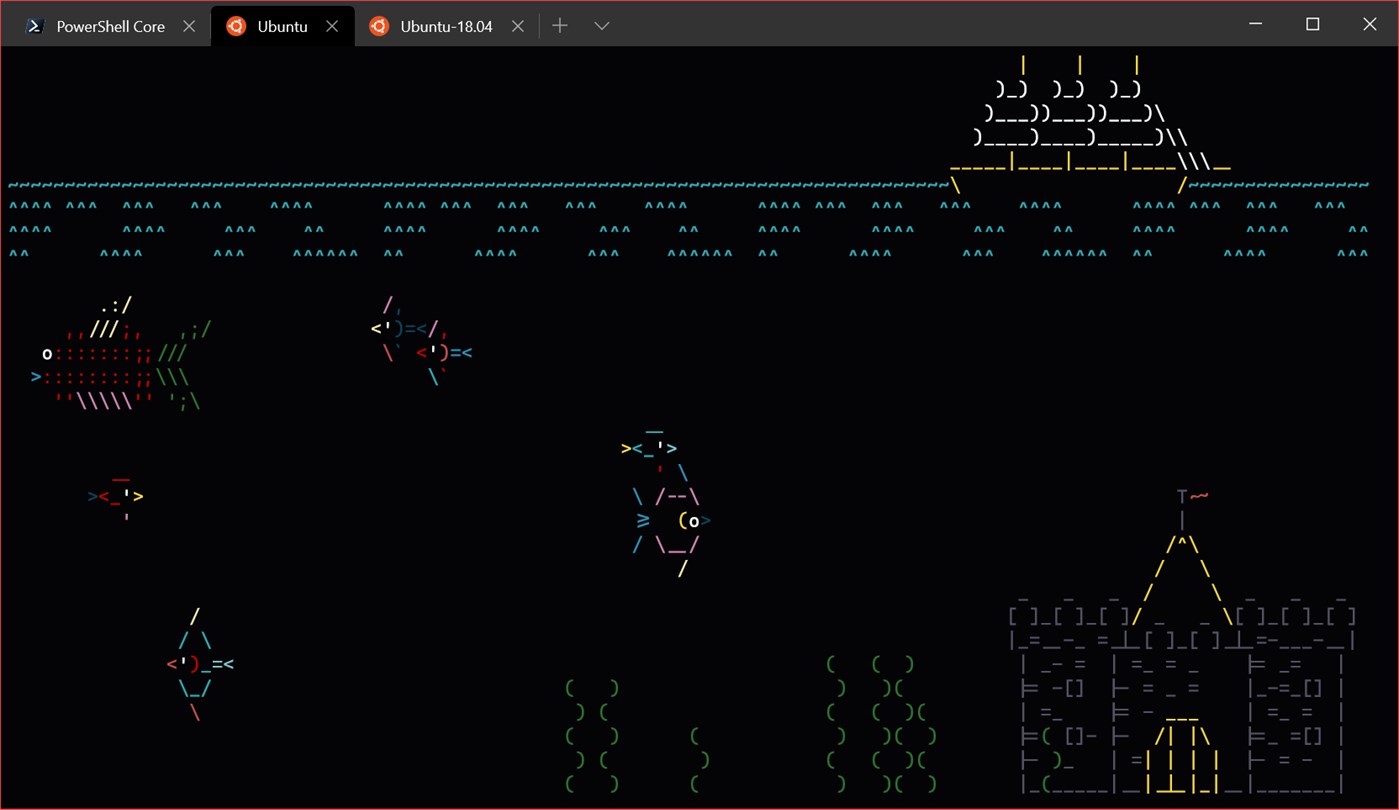
Windows Terminal Preview v0.9.433.0

It's available the new release of Windows Terminal Preview

What is Windows Terminal Preview?

Windows Terminal is an application that is actually a new modern and productive terminal for users who normally work with command line tools such as Windows PowerShell, bash, shells and Windows Subsystem for Linux (WSL).


Supports Unicode and UTF-8 characters, text rendering engines, themes, styles and custom settings.

You can consult all the news of the release in the project repository on GitHub here: https://github.com/microsoft/terminal/releases

It is a completely free and open source application in which everyone can participate here  https://github.com/microsoft/terminal.

You can install from the Microsoft Store on Windows 10 or here: https://www.microsoft.com/en-us/p/windows-terminal-preview/9n0dx20hk701.


For those who need or work with several shell, command prompt, Windows Subsystem for Linux (WSL) or even PowerShell on Windows 10, I recommend Windows Terminal.


10 December 2019

Microsoft Anivirus for Windows 7 will end!!!

Microsoft Security Essentials is free antivirus for end users and small companies up to 10 computers. 

This publication is intended to inform that support for Microsoft Security Essentials will end 14 January, 2020.

So, if you use legacy software in Window 7 maybe you need to think to change your antivirus or try to move to Windows 10.

What is the Microsoft recommendation?
  • Recommend you move to a Windows 10 PC to continue to receive security updates from Microsoft.
Source: https://support.microsoft.com/en-us/help/14210/security-essentials-download


Some users already receiving a warning about  the ending suport for Microsoft Windows 7. The following image is one of the examples.


Safety is one of the topics that should not be ignored. But unfortunately it is still quite ignored by users that both home and organizational included decision makers and administrators of the organization itself.


23 October 2019

Free one-year digital subscription for CODE Magazine

Members from Visual Studio Dev Essentials now have access to CODE Magazine the leading independent magazine for software developers. 

To activate your new CODE Magazine benefit and sign up for your free one-year digital subscription.